## Make the phone setup repeatable
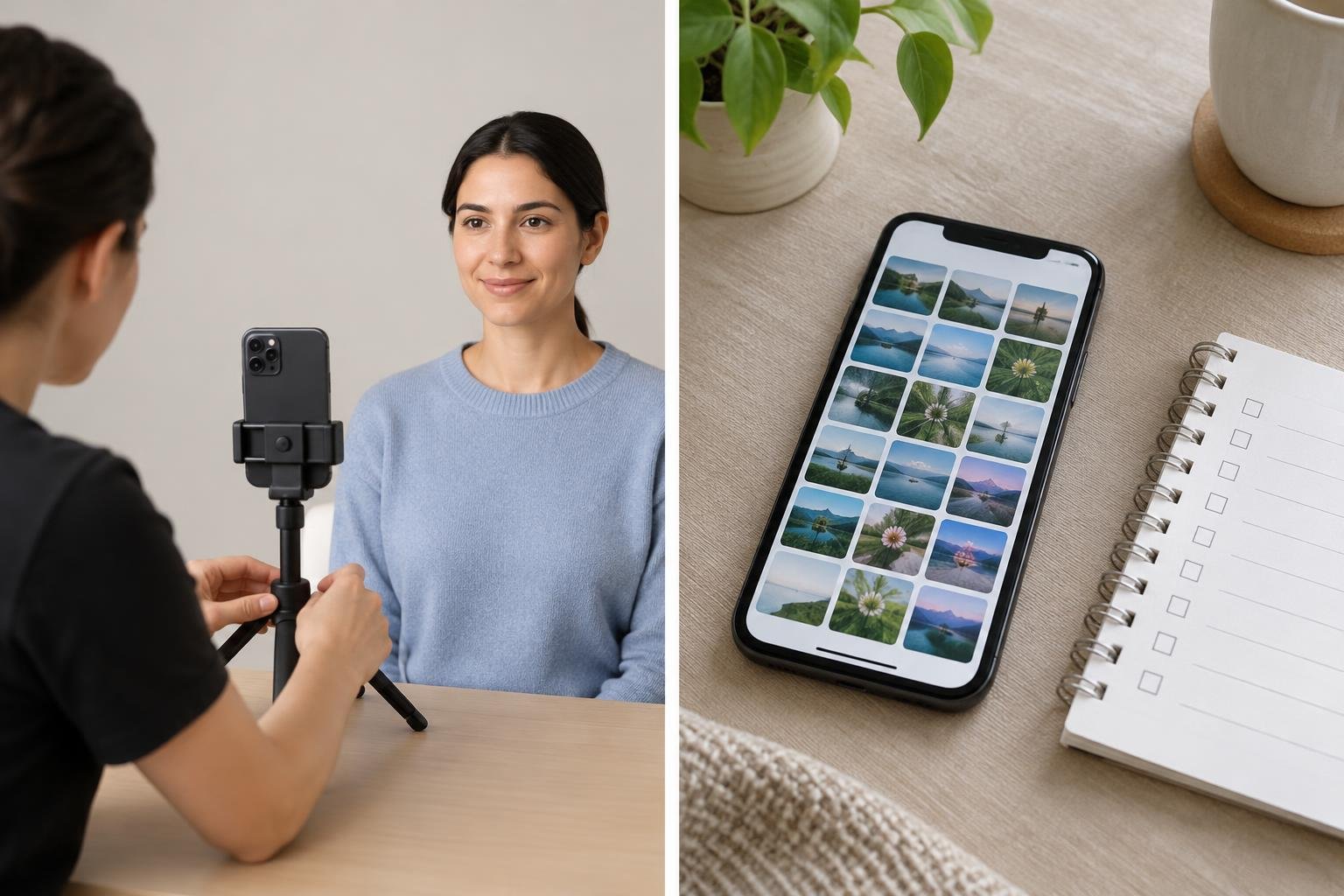
A photo taken today is easiest to compare with a later one when the basic setup stays the same. Treat the phone like a simple record-keeping tool, not a way to judge whether a treatment is working or safe.
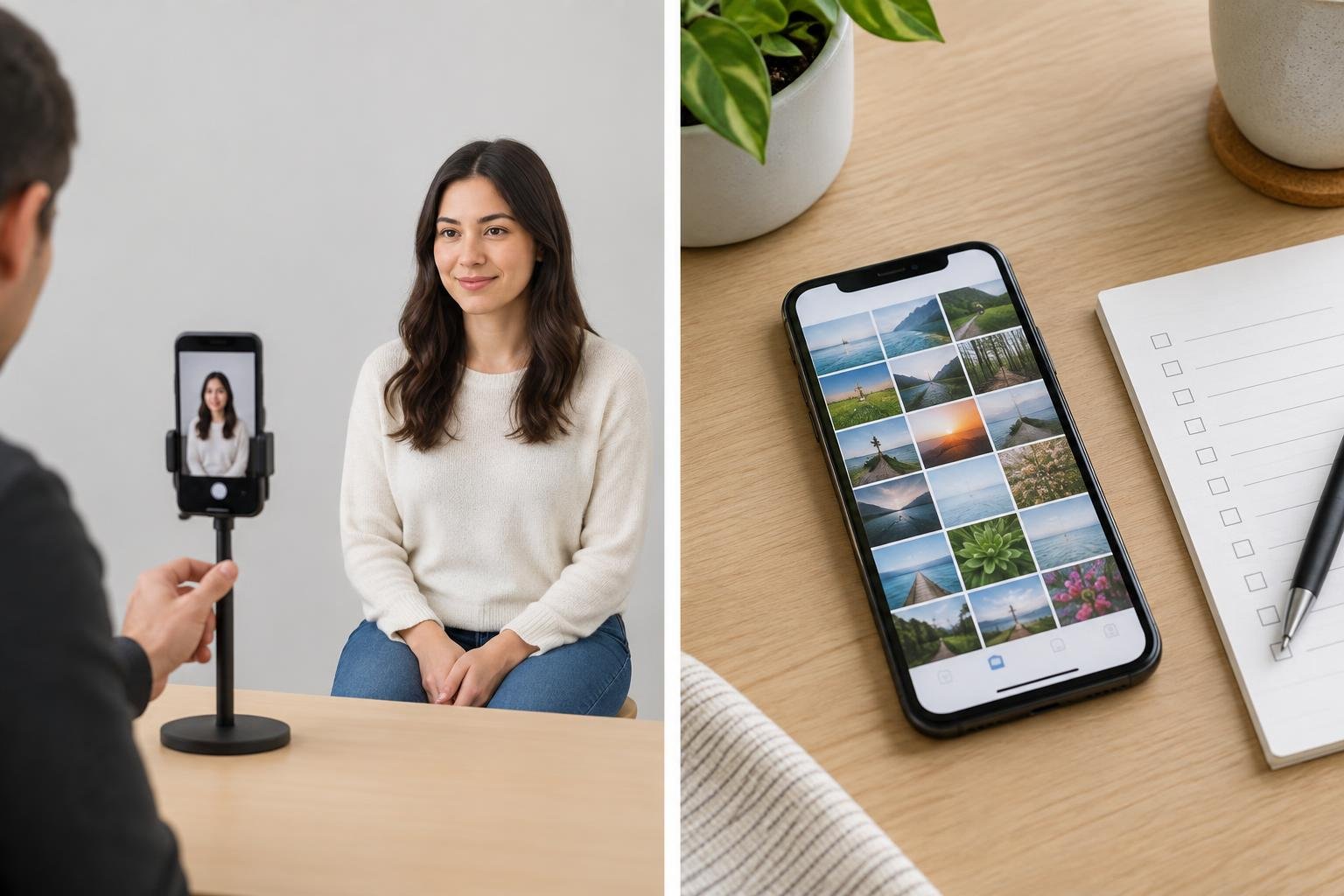
Choose one phone and use its regular camera mode for each session. Pick a place with steady, even light and a plain background. Keep the phone at the same height and distance, and mark where the photographer and subject should stand. A small piece of removable tape on the floor can help reproduce positions without buying extra equipment.
Use the same lens setting each time. Avoid switching between the front and rear camera, changing zoom, or moving closer for one image. Those changes can alter framing and perspective, making two photos harder to compare. A stable surface or phone stand may help keep the camera in place, but neither is essential: the useful part is repeating the setup.
## Use a short shot list
Before taking pictures, decide which views you will repeat. For example, choose a front-facing view and any relevant side views, then use that same list each time. Keep the subject’s position, posture, facial expression, and clothing as consistent as practical. If you are documenting a particular area, make sure it is framed similarly in each image without cropping or hiding details selectively.
Take the pictures in the same room and under the same lighting conditions when possible. Avoid mixing bright window light with overhead lighting, or taking one set in daylight and another at night. If the light changes noticeably, wait for more consistent conditions rather than trying to correct the difference with editing.
A simple repeat-shot checklist:
– Same phone, camera, lens setting, and orientation
– Same marked camera and subject positions
– Same background and lighting
– Same planned views, posture, and expression
– No filters, portrait effects, retouching, or appearance-altering edits
– Save the original files with a date and neutral label
## Keep the record honest and private
Do not use filters, portrait effects, or editing tools that change skin texture, shape, colour, or other visible features. Even a subtle change can make a comparison misleading. Keep the original image files; if you need notes, store them separately rather than marking up the pictures.
Photos of someone else should only be taken and kept with their appropriate consent. Consider who can access the phone, shared albums, backups, and any folder where images are stored. Use privacy settings and secure storage that suit the sensitivity of the images, and avoid posting them publicly without permission.
## What photos can—and cannot—tell you
A consistent set of pictures can help someone look back at how images were captured and discuss observations with a qualified healthcare professional. It cannot establish whether a treatment is safe, diagnose a problem, or predict an individual result. Lighting, angle, expression, and ordinary differences between images can all affect how an area appears.
The RADIESSE before-and-after page labels its examples as actual patients and says individual results may vary. Its examples also describe different treatment areas and capture times, so they should not be treated as a promise about another person’s experience or as a universal schedule. If you have questions about a treatment, a change, or a concern, speak with a qualified healthcare professional rather than relying on a phone photo.
## The practical takeaway
Consistency matters more than camera extras. Make a small, repeatable setup; follow the same shot list; preserve unedited originals; and protect the images. That creates a clearer personal record without turning smartphone photography into a clinical assessment.
Redactie / auteur: Accessories for iPhone · AI-supported editorial.