## A case name is not a compatibility check
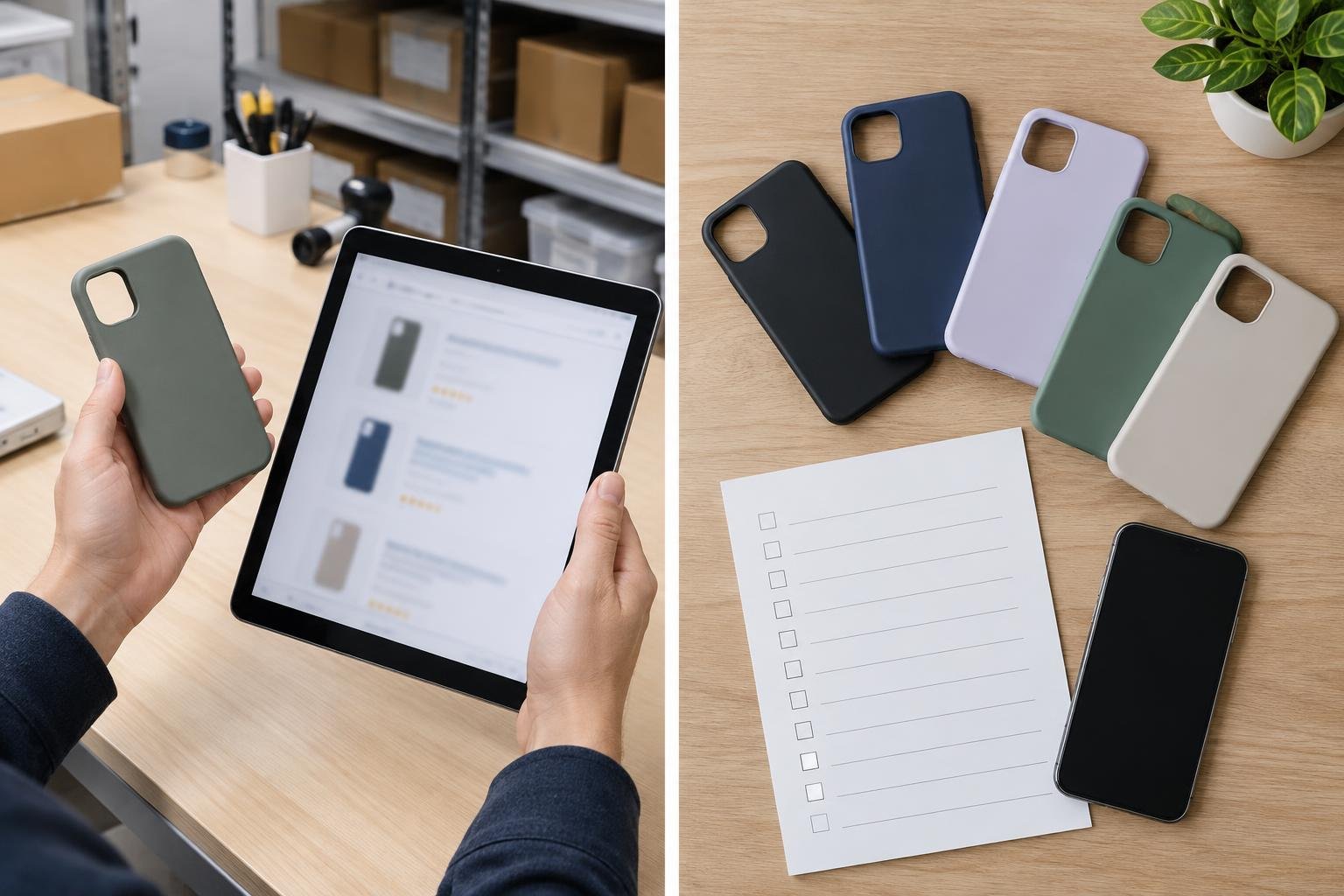
For a retailer, a case listed simply as “for iPhone” leaves too much open to interpretation. The product must match the specific phone model it is meant to fit. A useful first step is to treat each supplier listing as a set of details to verify—not as a label to accept at face value.
Apple’s accessories catalogue separates cases by named iPhone models, including variants such as iPhone 17 Pro and iPhone 17 Pro Max. It also lists cases for older models and different generations of iPhone SE. That is a practical reminder: a family name or generation number alone may not identify the intended fit precisely enough for a stock order.
## A four-point pre-order check
**1. Record the exact model name.** Ask which iPhone model the case is designed for, and compare the answer with the model name used in your own product records. Keep “Pro,” “Pro Max,” “Plus,” “mini,” “Air,” and “e” distinctions intact where they appear. Don’t combine variants just because their names share a number.
**2. Check the camera opening.** Compare the supplier’s product images or specification details with the named model. Look for a clear view of the camera cut-out and whether the description identifies the relevant model variant. If the listing shows a case but does not make its intended model clear, request confirmation before ordering.
**3. Confirm controls and openings.** Check that the listing or images show the case’s button areas and other visible cut-outs. Apple’s catalogue includes products whose names specify features such as Camera Control. That does not establish that every case needs the same design; it does show why feature-specific details should not be inferred from a generic model label.
**4. Treat MagSafe as a separate specification.** Don’t assume a case supports MagSafe because it fits an iPhone. Look for an explicit compatibility statement in the supplier description. Apple’s catalogue names several products with “MagSafe” in the product title, while other listed products are not identified that way. Record the feature as confirmed only when the listing says so.
## Make unclear listings visible
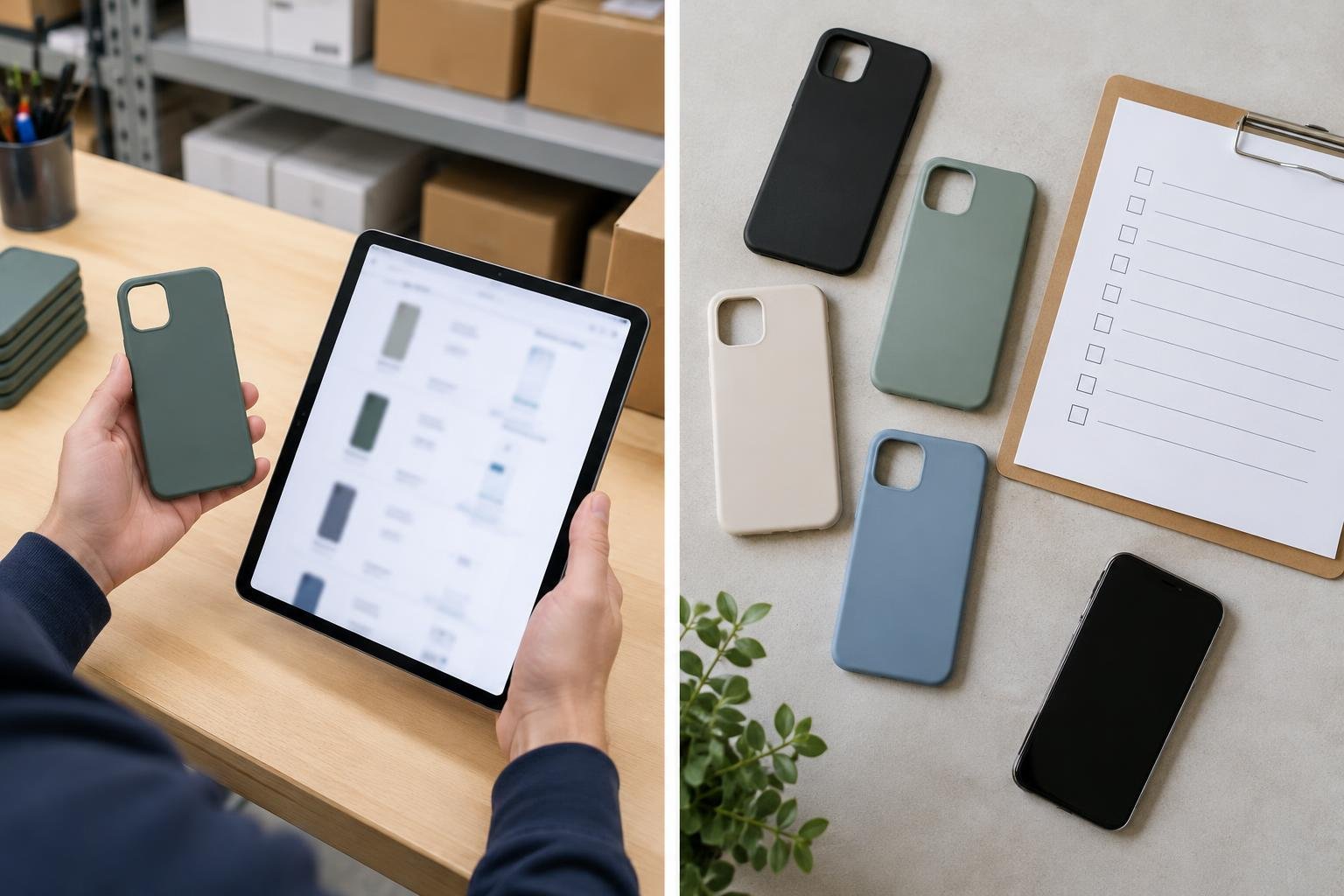
A simple purchasing sheet can make these checks repeatable. For each item, record the supplier’s exact product name, the exact iPhone model stated, whether the camera area is shown, whether buttons and cut-outs are visible, and whether MagSafe is explicitly claimed. Add a status such as “confirmed,” “supplier clarification needed,” or “not stated.” Keep the source listing or a dated screenshot with the order record so staff can revisit what was actually promised.
This is not a substitute for checking the physical sample when one is available. It is a way to catch missing information before an order is placed and to avoid turning an assumption into a catalogue entry. If two listings use similar names but differ in model wording or features, keep them as separate records until the supplier resolves the difference.
## A practical rule for stock decisions
Use a simple threshold: don’t approve a case for a specific phone variant unless the supplier identifies that variant clearly. Don’t advertise a feature such as MagSafe unless the listing explicitly supports the claim. And when an answer is missing, preserve that uncertainty rather than filling it in from another product’s description.
A consistent checklist will not guarantee that every case fits perfectly, but it gives buyers and shop staff a shared method for checking what the listing actually says. That makes product selection, stock records, and customer-facing descriptions easier to keep aligned.
Redactie / auteur: Accessories for iPhone · AI-supported editorial.