## Buy the specification, not just the shape
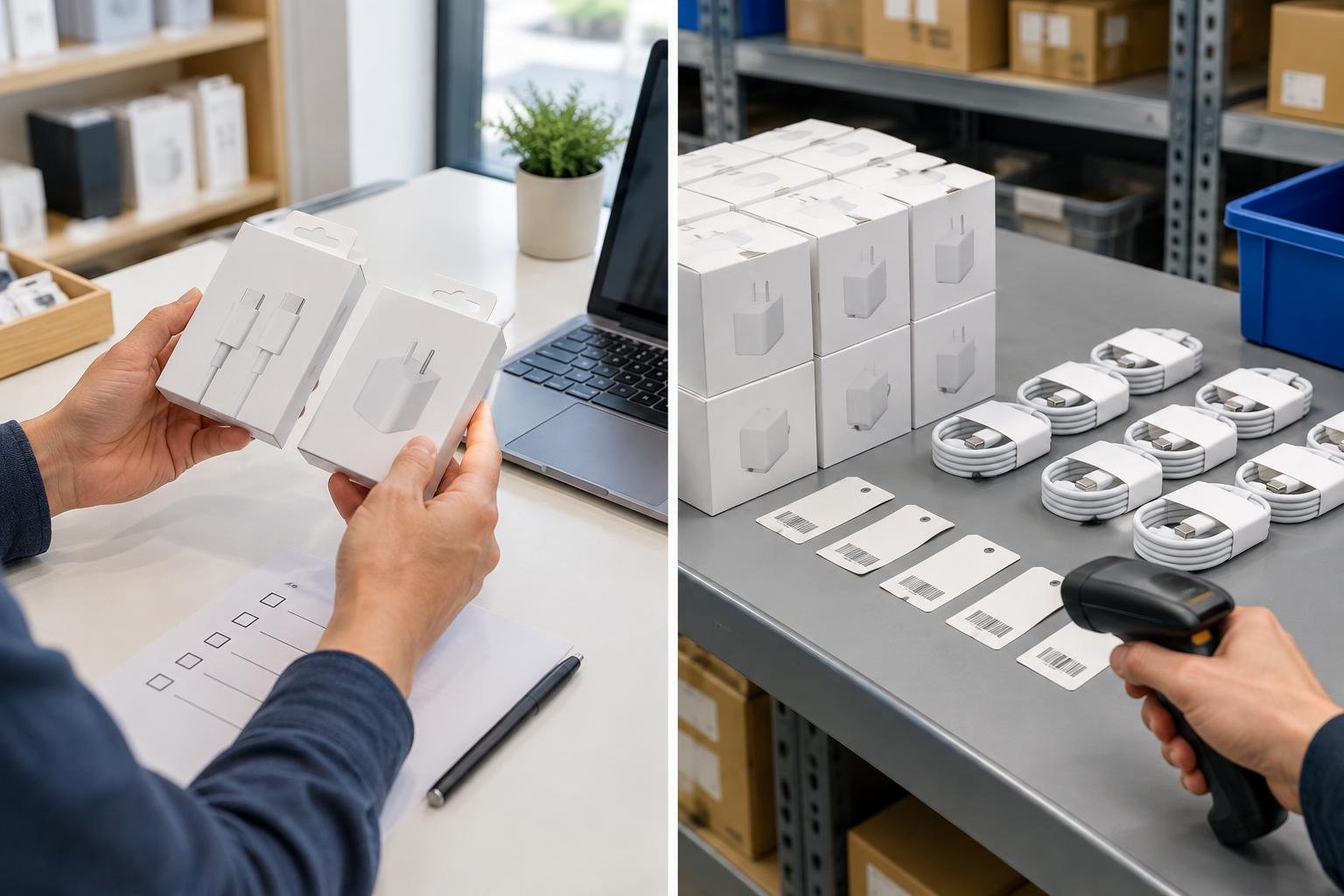
USB-C describes a connector system, not a complete performance promise. The USB Implementers Forum describes Type-C as a reversible connector ecosystem designed for device designs including mobile phones, laptops, and tablets, with scalable power and performance. That does not mean every cable or charger with a USB-C plug has identical capabilities.
For a retailer, the practical rule is simple: ask suppliers to state the capabilities of each individual product, rather than relying on “USB-C” or “fast charging” as the whole specification. Record what the supplier actually confirms, and do not add a power or data claim to your own product listing unless you can verify it. If a specification is missing or ambiguous, treat that as an unresolved purchasing question—not as permission to infer a higher capability from the connector’s appearance.
## Ask the supplier before placing an order
Use the same short question set for each candidate cable or charger:
– What exact product model or SKU is being quoted?
– Which connectors are at each end? Is it USB-C to USB-C, or a different combination?
– What power and data capabilities does the supplier specify for this exact item?
– Are those capabilities stated on the package, product sheet, or other supplied documentation?
– Can the supplier provide a sample or clear product information before you commit to a larger quantity?
Keep answers attached to the model they describe. A supplier’s general statement about a product family may not establish the details for every variant. If two items look alike but have different stated capabilities, treat them as distinct products throughout purchasing and storage.
## Build a useful SKU record
Create one record for each variation you intend to sell. Include the supplier name, supplier model, your internal SKU, connector combination, stated power and data capabilities, cable length where applicable, packaging description, and the date the information was checked. These fields make it easier to compare quotations and to spot a mismatch later.
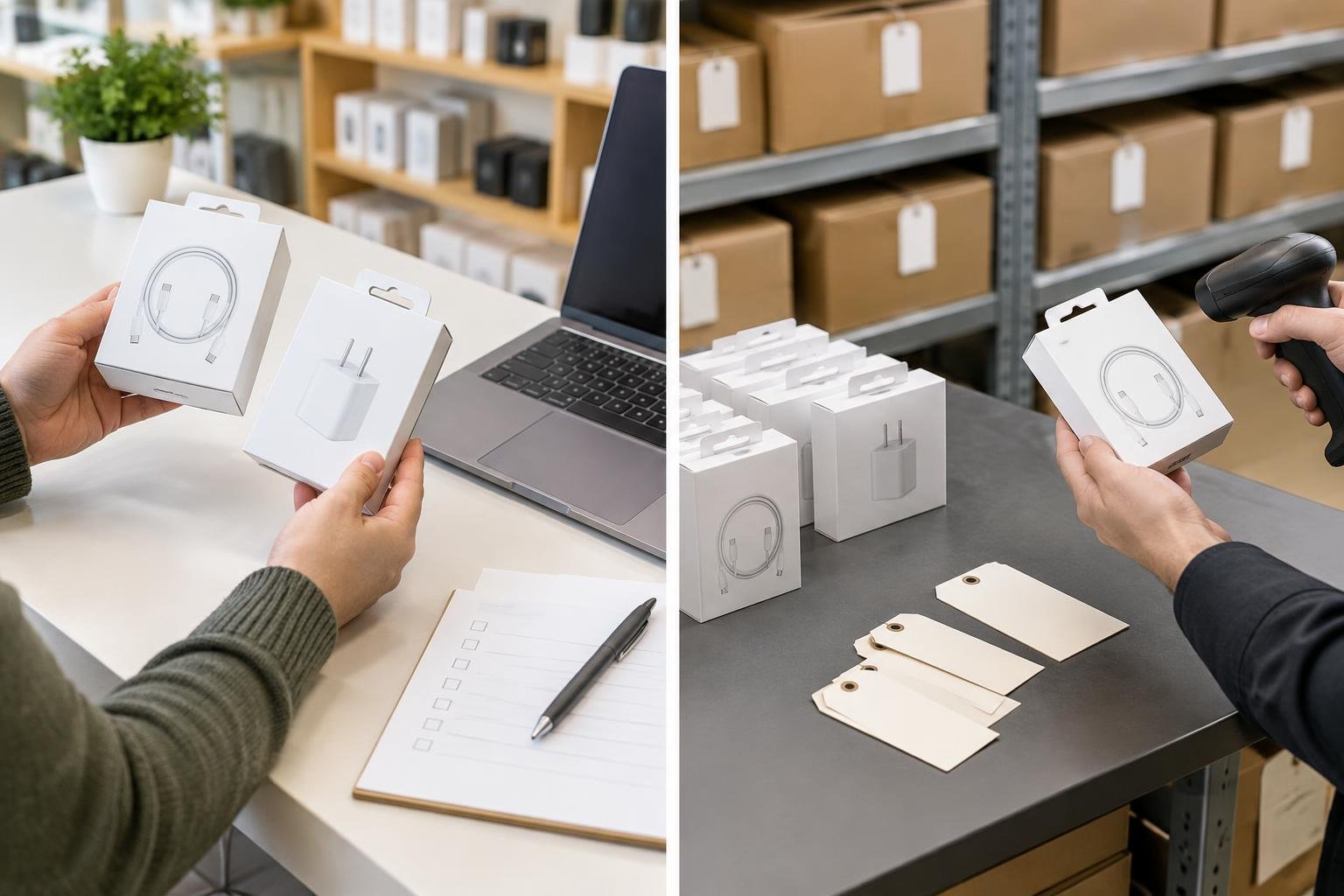
For consumer-facing identification, keep the item identity equally precise. GS1 explains that the GTIN structure includes an item reference assigned by the user company, and that variations such as model, colour, size, weight, or presentation receive different item references. In other words, don’t let a shared product name blur the distinction between variants in your own catalogue. Use a separate item record and identifier where your product setup requires one, and make sure the barcode scanned at checkout maps to the intended item in your system.
## Check the delivery before it reaches the shelf
At receiving, compare the cartons or packages against the purchase order and your SKU records. Check the model identifier, connector description, and printed capability statements against the information you saved from the supplier. Look for near-identical packaging that could conceal a different model, and keep variants separated while you resolve any mismatch.
Then scan a sample barcode, if present, and confirm that your inventory system returns the intended product record. GS1 notes that EAN-13 and UPC-A are widely used for trade-item identification. The code helps identify a trade item through the associated data; the number itself is not a substitute for a clear specification. A successful scan alone cannot confirm a cable’s performance claims.
## A small process, fewer avoidable mix-ups
Before reordering, compare the current supplier details with the record for the item already on your shelf. If a model, package, or stated capability has changed, review whether it should have a separate SKU and product description. This modest check helps prevent a common operational error: selling a lookalike accessory under details that belong to another variant.
The goal is not to stock every specification. It is to know exactly what each stocked item is claimed to do, keep that information tied to the correct product identity, and avoid turning the USB-C connector shape into an unsupported performance promise.
Redactie / auteur: Accessories for iPhone · AI-supported editorial.